It is easy to picture a barcode wine cellar management system as something that watches the racks, senses a bottle leave and adjusts the count by itself. Nothing in a barcode system works that way. The count changes at one moment only: when a printed label passes under the scanner. Everything else in the system, the touch screen, the label printer, the remote view and the optional sensor, exists to make that single moment quick enough that you do it every time.
Where the Count Really Comes From
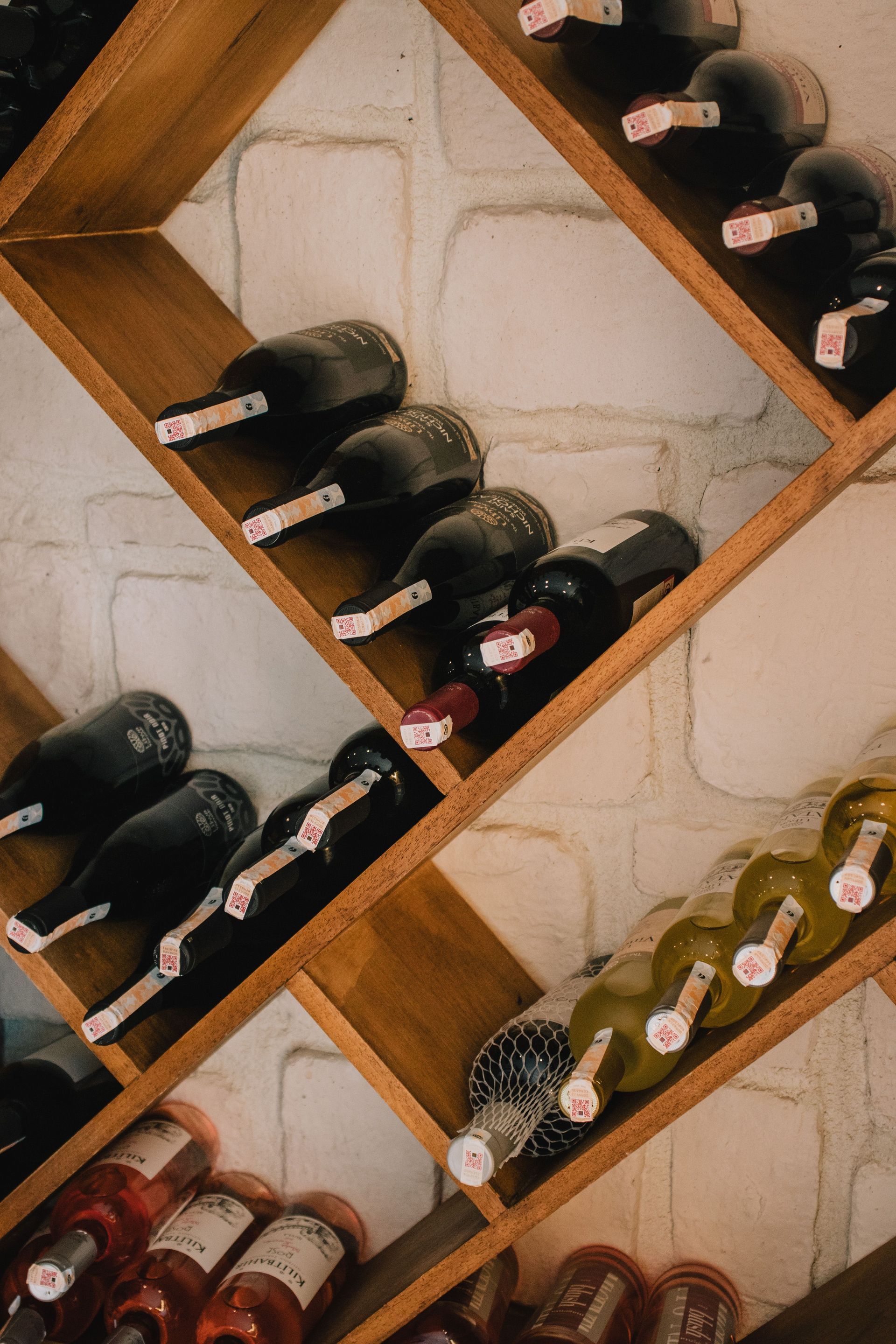
A bottle enters the system as a record: the wine, the producer, the vintage and whatever else you choose to enter. The system then prints a barcode label for that bottle, and you stick the label on it. From that point the label is the bottle's key. The code printed on it points to the record, so scanning the label finds the record and removes it from the inventory.
That arrangement explains both the strength and the weakness of the method. A spreadsheet needs you to open a file, find the row and edit it, a chain of steps that gets skipped when guests are waiting. A scan is one motion with the bottle already in your hand. The weakness is that the system only knows what you scan. A bottle carried out unscanned stays in the count, and a bottle racked without a record was never in it.
The Three Pieces of Hardware
The eSommelier setup is a touch screen computer, a barcode scanner and a barcode printer, supplied with an instruction manual and a first roll of labels. The hardware and software arrive as one complete system. The first roll supplied with it prints roughly 500 to 600 labels, so a large cellar can use most of that roll during its first load.
Touch screen:
This is where records are created and where the collection is browsed. Searching is done by touching buttons on the screen, so no spreadsheet file has to be opened.
Scanner:
The barcode reader. You hold the label under it, and the scan is the removal.
Label printer:
It prints the customized label for each new bottle as you finish its entry. The printer takes rolls of labels, so the supply is something you replace over time.
Labeling a Bottle on the Way In
Entry is where the system's accuracy is set. You create the record at the terminal, the printer produces the label, and you apply it to the bottle before the bottle goes on the rack. Doing it in that order means no bottle ever sits in the cellar without a code.
Place the label where the scanner can see the whole code once the bottle is racked. A label that is creased, partly covered or hidden by a rack's cradle may not read cleanly, and a bottle that cannot be scanned out stays in the count until someone finds it by hand.
TIP
Print and apply each label at the terminal before the bottle goes near a rack. If a label tears, creases or smudges, print a replacement on the spot, because a damaged code is a bottle you cannot scan out.
Scanning a Bottle on the Way Out
Removing a bottle takes the scan and nothing more. The scanner reads the label, the system finds the record and deletes that bottle from the inventory. There is no searching and no typing.
Scan at the moment the bottle leaves the rack, before the cork is pulled. If the bottle is carried to the table first, the habit competes with dinner and loses. A scanner kept by the cellar door, with the terminal beside it, puts the step where the bottle passes anyway.
Remote Access From Outside the Cellar
The collection can be browsed from the terminal or from any web browser. That makes the inventory readable from a desk, a store aisle or a restaurant, which matters when you are choosing a bottle for dinner and want to know what is available before you walk down. Remote access is a view of the inventory, so the label scan at the cellar still decides what that view shows.
Remote access continues through a yearly service pack, so it belongs in the planning for the system alongside the hardware. Support, a daily online copy of the wine data and software updates ride on the same pack, so ask what stops if it is not renewed.
The Optional Temperature and Humidity Sensor
A sensor plugs into the management system and reports the cellar's temperature and humidity on the terminal and online. The sensor reads and displays; the cooling unit keeps its own controls. Its value is that the conditions sit on the same screen as the inventory, so a reading outside the target gets noticed when you are already looking at the cellar.
The readings are worth comparing with the storage target of about 55 degrees F and 50 to 70 percent relative humidity. Humidity is the one that can surprise. A cooling season that runs for months can pull a cellar below 50 percent, and in that case a humidifier is worth discussing. A home with a well-matched cooling unit can hold the range through that unit's own moisture control alone, so the sensor's readings are the way to tell which cellar you have before adding equipment.
Loading the Collection You Already Own
A new system starts with an empty inventory, and the racks are not empty. Every bottle already in the cellar needs a record and a label before the count can be trusted, and until the last one is done the inventory is part truth and part gap. The practical way through is to work one rack section at a time: take that section's bottles to the terminal, enter them, print and apply the labels, and return them to the same section. Finishing a section completely is better than starting several, because a half-labeled section hides which bottles are known.
Bottles that arrive later follow the same path. Entering a delivery at the terminal before anything reaches a shelf keeps new purchases from becoming the next backlog.
How a Scan Compares With Tracking by Hand
A spreadsheet or a free online program can hold the same facts, and for a small collection it can work. The trouble is upkeep. Each removal means a separate act at a separate time, and the entry that gets skipped is the one made after the bottle is already open. The count drifts, and a drifting count stops being used.
A scan moves the update to the moment of removal and takes away the typing. The record is not the whole benefit; the benefit is that the record is still right six months later, so a bottle that has been forgotten on a back shelf shows up in a search for its variety or region before it is past its best.
Habits That Keep the Count True
Three habits keep an inventory system accurate for years. Label every bottle before it is racked. Scan every bottle as it leaves, including the ones given as gifts or carried to another room. Keep a spare roll of labels beside the printer, because a printer that runs dry stops new entries, and unlabeled bottles are how gaps start.
Everyone who takes bottles from the cellar is part of the system. A partner, an adult child or a house sitter who pulls a bottle without scanning it leaves the same gap as a skipped scan of your own. The fix is to make the scanner the obvious step: kept where the bottle leaves the cellar, with the terminal screen visible from the door, so anyone can see what the habit is without being told.
A cellar designed with the system in mind helps. The terminal and scanner belong at the entry, near an outlet, with room to stand and label bottles before they are racked. Those are placement decisions a cellar's designer can settle with you before the walls are finished.
A collection stays known only as long as the record matches the racks, and the record keeps matching the racks when removing a bottle takes less effort than forgetting to.
Frequently Asked Questions
What details can I see for each bottle?
Each record can show the wine's label image, its current valuation, tasting notes and a drink date. Some of these, valuations and drink dates among them, come with a subscription, so the fields you see depend on that being active.
Can one system handle more than one cellar?
Yes, with a multiple cellar license. Wines are allocated to a cellar, and the contents of each cellar can be viewed on its own or all together, which suits a main home plus a second property.
Does the sensor keep a history of temperature and humidity?
The readings can be captured over time and turned into reports, which shows whether a dip or spike was a one-day event or a pattern. Because the sensor only reads and displays, a pattern outside the target is something to take to the cellar's designer or to the cooling unit's authorized service technician.
What happens when the label roll runs out?
Additional rolls are sold separately. Systems sold before 2015 use a different roll from systems sold after 2015, and a roll for those older systems holds 1,000 labels, so check which one your printer takes before ordering a replacement.
How long does it take to enter a bottle?
It depends on how much you enter. A case of one wine needs its details typed once, with a label printed for each bottle, so the first bottle takes the longest and the rest of the case goes quickly.
How do I find a specific wine?
You can search by country, region, variety, winery, drink date, cost and other factors with a few touches on the screen. Combining two filters, such as a variety and a drink date, narrows a large collection to the handful of bottles worth opening this month.
Add the inventory system to your cellar plan — the terminal, scanner and label printer get a place by the door, where every bottle passes on its way in and out. Cachet Wine Cellars serves Orange County and Southern California. Call (949) 569-7857.
Call (949) 569-7857