The belief runs that the point-of-sale system already knows how much wine the bar poured, so a dispensing unit can only add a tidier pour. The register knows what a server rang in. A commercial wine dispensing system records what left the bottle, which is a separate number, and the gap between the two is what a by-the-glass program has no clean way to count without a metered pour.
What the Register Can and Cannot See
A register records tickets. Each ticket says a glass of a named wine was sold at a named size. It has no sensor on the bottle, so it cannot tell a full-size pour from a generous one, a comped taste from a spill, or a glass served to a table that was never rung in. At close, the bar manager looks at an open bottle, estimates what is left, and reconciles that estimate against the tickets. The estimate carries every error the eye makes.
Free-poured wine leaves that gap because the pour is not an event any system observes. The only observed event is the sale. A dispensing unit changes this by making the pour itself the event: the unit meters the volume, so the ounces are set before the glass fills and logged as the glass fills.
Hold onto that idea. The unit does not replace the register. It supplies the second count the register was never built to provide, and the useful information sits in the difference between the two.
How a Pour Becomes a Record
Each opened bottle sits in a numbered position on the unit, and each position is tied to the wine entered for it: the wine, its varietal, the date it went in. When a card is presented and a pour is selected, the dispensing head releases the programmed portion and the unit writes that pour against the position it came from and the card that authorized it.
Three things attach to every pour: the volume, the bottle position, and the identity of the card. A bartender's habit, a shift's pace and a guest's choice all become entries in the same log, in ounces, without anyone counting.
The portion sizes are programmed by the operator, so the definition of a taste, a half glass and a full glass is set once at the unit and held there. A staff member cannot make a "full glass" a little fuller, because the size belongs to the setting and not to the hand.
TIP
Reconcile a bottle position in two steps. Read the ounces poured from the unit's screen, then subtract that figure from 25.4, the fluid ounces in a 750 ml bottle. The remainder is what should still be in the bottle.
Staff Cards and Who Poured
Smartcards can be assigned to each employee, and the card works as access control: it decides who can draw a pour from the unit at all. Because each card belongs to one person, each pour belongs to one person.
On the Premier PLUS, employee sales reporting lets a manager line up two lists for the same shift: the ounces the unit logged under a bartender's card, and the glasses that bartender rang. When the lists agree, the program is clean. When they diverge, the divergence has a location, a card and a bottle position, which turns a vague sense that the numbers are off into a specific question to ask.
Cards also help with onboarding. A new hire can be given a card for the first week and the log shows which wines they pour and in what sizes, without a manager standing at the bar counting.
A card has no way to tell an honest mistake from a bad habit, so the report is a starting point for a conversation. A shared card, handed between staff at a shift change, erases the benefit, which is why the card policy belongs in the setup plan and not in an afterthought.
Guest Cards and How Self-Serve Works
On the model built for guest self-service, cards can also be assigned to customers. A guest receives a card at the host stand or bar, steps to the unit, presents the card, chooses a wine, and picks a taste, a half glass or a full glass. The unit pours that portion and records it against the guest's card.
Staff remain in the loop. They set up the cards, stock and replace the bottles, enter wines into the database and watch the floor. What they no longer do is stand at the unit for each pour. The guest controls what is poured and how much, and the record of that choice is the guest's own consumption history on the card.
The customer record is the second kind of tracking the system offers. Alongside staff volume reports, it shows which wines particular guests choose and how much they take, so the wine list can be read as a set of preferences and not only as sales totals.
How a guest's card is loaded, charged or tied to a tab is set up with the venue's own payment arrangements, and that setup should be worked out with the dealer before the unit arrives, not discovered at the first busy night.
Reading the Reports
The reports come at the data from four directions.
By bottle position:
for each position, the unit's screen shows how many ounces have gone out and the day that wine was loaded. This is the report the bar uses day to day, because it answers "how much is left in position three" without lifting the bottle.
By brand and varietal:
sales reports roll the pours up by label and grape, so a manager can see which wines move and which sit.
By employee:
volume and sales by card, as described above.
By customer:
on the self-service model, a preference and purchase history for each guest card.
The record is only as good as the database behind it. If a bottle is placed in a position without its entry being updated, the pours log against the wrong wine. Entering the wine when the bottle goes in, every time, is the habit that keeps every other report accurate.
Three Models and What Each Tracks
The line comes in three commercial models, and the right one depends on who will be pouring.
WineStation Professional:
staff service only. It carries card access, programmable portions and the bottle-position report, and it suits a bar that wants controlled pours and a clean opened-bottle count without guest self-service.
WineStation Premier:
staff service with enhanced reporting. It adds the brand and varietal sales reports and the wine database on top of staff cards.
WineStation Premier PLUS:
staff and self-service. It adds guest-assigned cards, employee sales monitoring and customer preference tracking.
All three share the same dispensing head, the same programmable display and the same cabinet, so the choice is about what the bar wants to count and who is allowed to pour, not about how the wine is handled.
Fitting the Unit Beside a Wine Room
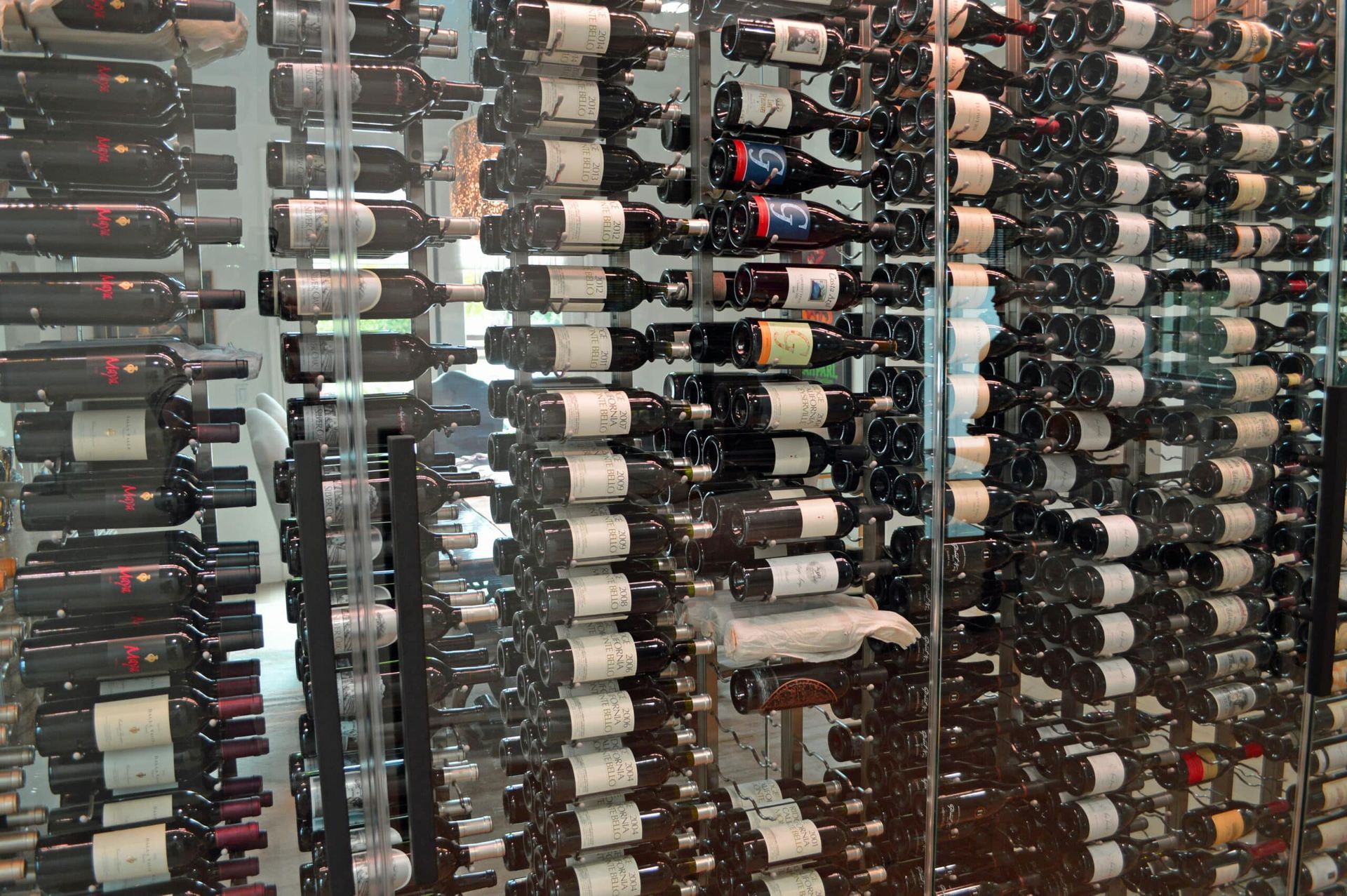
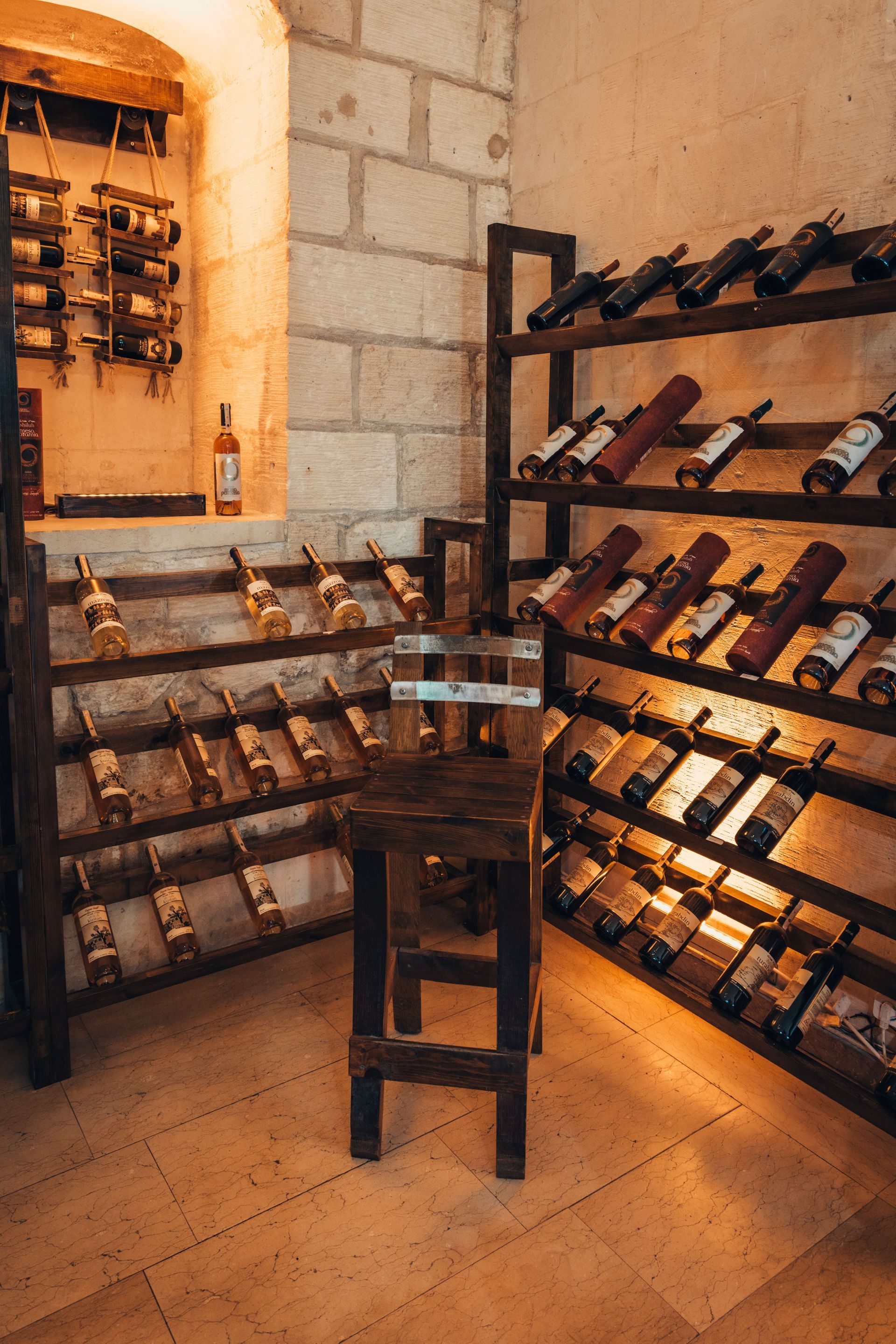
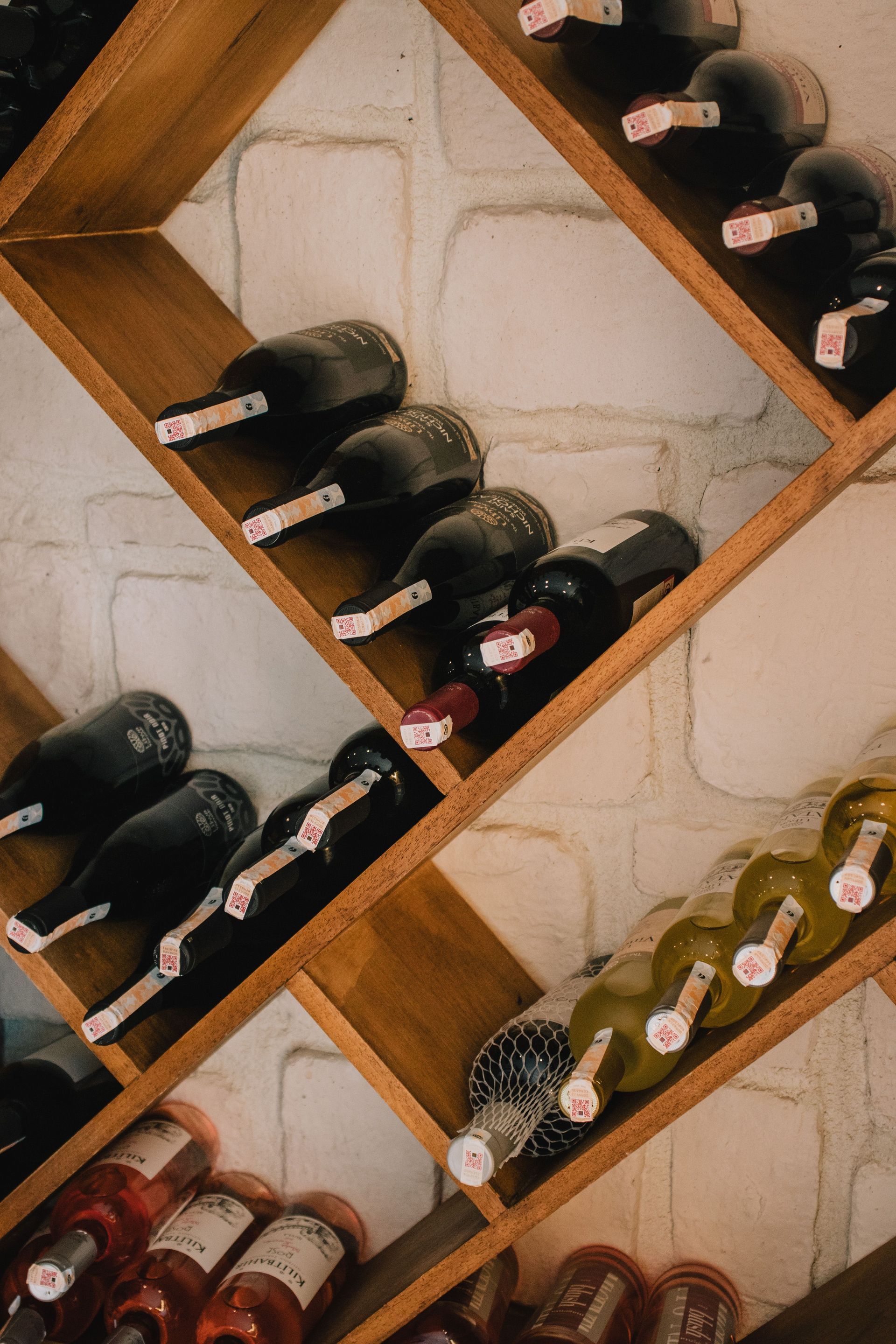
A wine room and a dispensing unit hold wine at two different points in its life. The room holds sealed bottles at cellar conditions on racking, where the count is by bottle and by case. The dispenser holds the bottles that have been opened for service, where the count is by ounce. Between them runs a single chain: case to cellar to bottle position to glass.
A cellar inventory system covers the sealed side of that chain, and the dispenser's log covers the opened side. Placing the unit near the wine room door shortens the walk when a bottle is swapped, and keeps the reconciliation in one corner of the building.
Placement also depends on who pours. A unit for staff service belongs where bartenders reach it between tickets. A self-service unit belongs in the guest area with a clear sight line from the bar, so staff can see the unit without leaving their post, and with enough floor space that a guest at the unit does not block a walkway.
Planning the Hookups and the Handoffs
The cooling on these units is solid-state, so there are no refrigerant lines to run. The unit still needs a grounded outlet close by and a cylinder of preservation gas connected through the regulator that ships with it.
CAUTION
A licensed electrician adds any new outlet or circuit. A high-pressure gas cylinder is secured upright and connected through its regulator by the dealer's installer or the gas supplier, and staff leave the regulator and fittings alone.
Several decisions sit with the owner and are worth settling before the unit is ordered. Who holds the manager card that changes portion sizes. Who is allowed to enter wines. Whether staff cards are personal or issued per shift. What the bar does with the log at the end of each week. A unit whose reports nobody reads counts pours as faithfully as one that is reviewed, and the second one is the only one that changes anything.
A designer who also plans the wine room can place the unit, the outlet and the cellar door in one drawing, so the walk from rack to dispenser is a planned route.
A dispensing system is worth having when somebody reads what it records. The pours were always happening, and the register only ever saw the ones that were rung in.
Frequently Asked Questions
How many opened bottles does one unit hold?
One unit holds four opened bottles. Units are plug-and-play, so a bar that needs more positions adds units alongside the first and the group grows from four bottles to larger configurations.
Can the screen show more than the wine's name?
On the Premier, the display can be customized to carry tasting notes or menu pairings beside the varietal, region and date, so a server or a guest reads a short description at the moment of choosing.
Can a wine shop use the unit for tastings?
Yes. In a retail or grocery setting the unit can run daily sampling across long opening hours without extra staff to pour, and on the self-service model each shopper's card keeps a record of what they tasted.
Can the unit talk to the restaurant's register system?
Integration with several point-of-sale platforms is offered, so the answer depends on which platform the restaurant runs. Ask the dealer to confirm yours is on the list before ordering, since the match decides whether the two counts can be compared on one screen.
Can a guest card work at more than one location, or with a hotel room key?
On the self-service model, cards can carry across multiple sites under the same program, and a room key integration is offered for hotels. That lets a guest's tasting history follow them from one property to the next.
How do new wines get entered into the database?
On the Premier and Premier PLUS models, a barcode scanner adds wines to the database quickly. The Professional model uses its screen instead, where staff choose from a built-in list of more than 100 varietals.
Share your register system and bar layout with a wine cellar designer â so the unit's cards, reports and placement are matched to how your staff ring in and pour. Cachet Wine Cellars serves Orange County and Southern California. Call (949) 569-7857.
Call (949) 569-7857